Skip to content

This version of GitHub Enterprise Server will be discontinued on 2026-10-14. Discontinued releases are not supported. No patch releases will be made, even for critical security issues. For better performance, improved security, and new features in GitHub Enterprise Server, see Overview of the upgrade process. For help with the upgrade, GitHub Enterprise Support.

About the issue type field

You can show the type of the issue in your projects.

If your organization uses issue types, you can enable the "Type" field on your projects to see the issue type and how the issue is classified in your organization, such as a bug, task, or feature.

For more about issue types, see Managing issue types in an organization.

Enabling the Type field

You can enable the "Type" field to see the type of the issue.

  1. In table view, in the rightmost field header, click .
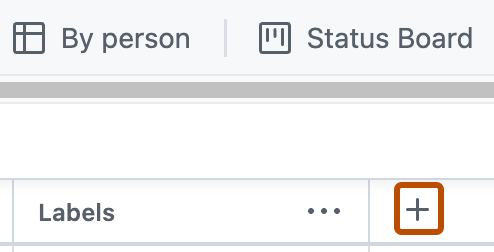
    Screenshot of a project. The "Add field" button, indicated by a plus icon, is highlighted with an orange outline.

  2. Under "Hidden fields", click Type.